Evaluating the Social Media Followers Banner Design Template for Adobe Illustrator
When you manage social media accounts for a business, brand, or personal project, creating consistent visual assets can become a recurring challenge. Banner designs that promote follower growth, announce sales, or highlight milestones need to look polished while remaining easy to produce in volume. The Social Media Followers Banner Design template, built in Adobe Illustrator, aims to address this need directly. After working with various template formats over the years, I wanted to take a close look at what this particular asset offers, how it performs in practice, and who is most likely to benefit from adding it to their toolkit.
What the Social Media Followers Banner Design Template Actually Is
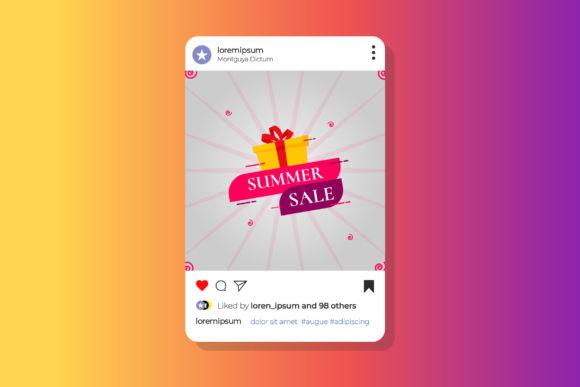
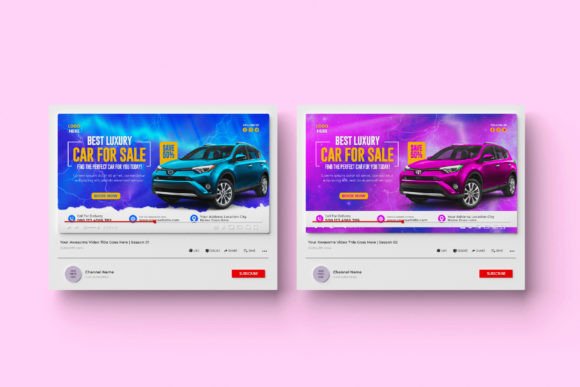
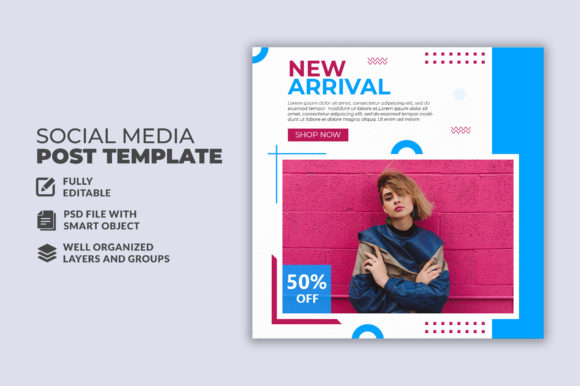
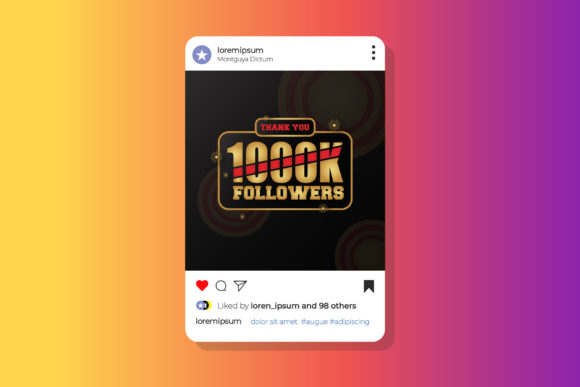
This is a pre-built Adobe Illustrator file designed specifically for creating follower-focused social media banners. It is not a completed graphic with images baked in; rather, it is a structured template where every component is intended to be swapped, edited, or replaced. The template comes in a standard 800x800 pixel square format at 72 DPI with RGB color mode, which aligns well with most social media platform requirements for profile banners, post graphics, and promotional images. The design is described as a sale banner template, meaning it is tailored to promote follower growth, special offers, or call-to-action campaigns aimed at increasing audience engagement.
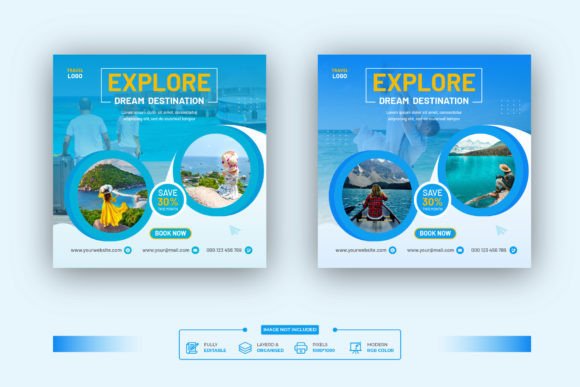
The file includes placeholders for photographs and clearly marked text areas that can be customized. Fonts used in the design are free, and links to download them are provided within the accompanying help file. The template itself is fully editable in Adobe Illustrator CC, giving you control over colors, layout adjustments, typography, and image selection. Notably, the stock images are not included in the download, so you will need to supply your own photography or source images separately.
Key Characteristics and Design Strengths
One of the first things worth noting is the deliberate simplicity of the template structure. It does not attempt to do too much within a single file. The 800x800 pixel canvas is large enough to accommodate readable text and clear imagery while remaining compact enough for quick rendering and editing. The 72 DPI resolution is standard for digital use, so you are not dealing with unnecessarily large file sizes that slow down your workflow.
The template includes photo placeholders, which means you can drop in your own images without having to rebuild any masking or framing from scratch. This is a practical time-saver, especially if you produce multiple banners across different campaigns. The text areas are similarly pre-configured, allowing you to update headlines, calls to action, or follower counts without affecting the underlying layout.
Another strength is the use of free fonts. Licensing can be a hidden headache when working with templates, and having font links included in the help file removes a common point of friction. You are not locked into proprietary typefaces that require additional purchases, and you can always substitute your own fonts if the free options do not match your brand guidelines.
The design itself leans into contemporary visual trends, with clean layouts and attention to spacing. It avoids overly busy compositions, which is important for banners intended to communicate a specific metric or offer quickly. Social media users scroll rapidly, and a design that respects negative space and hierarchy tends to perform better in real-world feeds.
Practical Value in Real-World Use
To understand how this template performs outside of a demo environment, I tested it within a typical workflow. Opening the file in Adobe Illustrator CC was straightforward. The layers were labeled in a logical manner, making it easy to locate the photo placeholders, text layers, and background elements. If you have basic familiarity with Illustrator, you will be able to navigate the file without much guesswork.
Replacing the placeholder images took a couple of minutes per banner once I had my photos ready. Because the template uses clipping masks or similar containment techniques, the images stay within the designated areas cleanly. The text fields update as expected, and because the fonts are linked rather than embedded in a confusing way, there were no missing typeface warnings during editing.
Color adjustments are also manageable. Since the template uses RGB color mode, you can tweak the palette to match brand colors or campaign themes directly within Illustrator. The 800x800 pixel size works well across Instagram posts, Facebook feed images, LinkedIn banner sections, and Twitter or X post graphics. It is also suitable for Pinterest pins and some YouTube thumbnail formats, though you may need to adapt the canvas if your primary platform requires a different aspect ratio.
One area where this template shows its value is in maintaining visual consistency across a series of banners. If you are running a month-long campaign to grow followers, you can create multiple variations using the same layout but different images and text. This consistency helps with brand recognition and makes your feed look more intentional.
Quality, Usability, and Flexibility Assessment
The overall build quality of the template is solid. The layers are organized, the elements are grouped logically, and the file does not contain extraneous hidden objects that bloat the project. This matters because poorly constructed templates can introduce errors or slow down editing, especially on less powerful machines.
Usability is strong for anyone with intermediate Illustrator skills. Beginners may need to spend a little time familiarizing themselves with the layer panel and understanding how the clipping masks work, but the help file provides guidance on font installation and basic editing steps. The learning curve is gentle compared to working from a blank canvas.
Flexibility is where the template truly earns its place in a designer's library. Because the file is fully editable, you are not limited to the original layout. You can reposition elements, resize text areas, change background colors, or even repurpose the banner for non-sale content. The fact that images are not included is actually a benefit in this context, because it forces you to use your own visuals, which keeps the final output unique to your brand rather than looking like a generic stock template.
However, there are a few limitations worth noting. The 800x800 pixel size, while convenient for many platforms, may not be ideal for every use case. If you need a landscape banner for a YouTube channel header or a vertical story graphic, you will need to adapt the file manually. Additionally, because the DPI is set to 72, the template is not intended for print use. If you plan to use these banners for printed promotional materials, you will need to increase the resolution and adjust the color space to CMYK, which may require additional work.
Who Benefits Most from This Template
After evaluating the template across several workflow scenarios, I believe it is best suited for specific groups of users. Freelancers and social media managers who handle multiple client accounts will find the editing efficiency valuable. Being able to produce a series of follower-focused banners in under an hour, once the images are prepared, directly impacts productivity.
Small business owners and entrepreneurs who manage their own social media presence will also benefit, especially if they have some familiarity with Adobe Illustrator. The template reduces the need to hire a designer for every minor campaign update, giving the business owner more control over their visual content calendar.
Content creators, bloggers, and educators who use social media to grow an audience will appreciate how the template structures the messaging around follower growth. The design inherently steers the content toward highlighting subscriber counts, sale announcements, or engagement milestones, which aligns well with growth-oriented strategies.
Marketing professionals working in-house at brands or agencies can use this template as a starting point for larger campaign sets. Because it is fully editable, a designer can modify the core layout to fit brand guidelines and then distribute the template to team members for consistent execution.
On the other hand, users who expect a completely finished banner with stock images ready to post immediately may find the template less convenient. Since you must supply your own photos, there is an upfront time investment in sourcing and preparing visuals. Additionally, users who only use Canva or simpler drag-and-drop tools may find the Illustrator learning curve steeper than anticipated, though this is more about the tool than the template itself.
Considerations Before You Start
Before downloading and opening the template, it helps to have your workflow in mind. Prepare your images beforehand, ideally in a resolution that matches or exceeds the 800x800 canvas so they look sharp after placement. Decide on your brand colors and have your hex codes ready if you plan to adjust the template palette.
The font links included in the help file are a small but important detail. Download and install the fonts before opening the template to avoid missing font warnings. If you prefer to use your own typefaces, you can swap them easily within Illustrator, but the free fonts provided are a good starting point and have been selected to complement the overall design style.
It is also worth considering how many banners you actually need. If you only require a single graphic, the template may still be useful, but the time saved is less dramatic compared to creating a series of banners. The template's real strength emerges when you produce multiple variations, such as different follower count milestones or rotating sale offers.
Long-Term Value and Reliability
A well-designed template should not feel outdated after a single campaign cycle. The Social Media Followers Banner Design template uses a clean, modern aesthetic that should remain relevant for at least a couple of years before visual trends shift significantly. Because you control the colors, imagery, and typography, you can refresh the look without needing a new template entirely.
The file format itself is stable. Adobe Illustrator CC files are broadly compatible across versions, though opening a newer file in an older version of Illustrator may cause some loss of editability. If you keep your software reasonably current, this should not be an issue.
One aspect that supports long-term reliability is the provider's decision to include font links rather than embedding fonts in a way that could cause licensing issues. This approach respects font licensing agreements and gives you the freedom to use the typefaces across other projects without concern.
Final Observations
The Social Media Followers Banner Design template does what a good template should do: it removes repetitive setup work while leaving the creative decisions in your hands. It is not a one-click solution, and it does not pretend to be. Instead, it provides a solid structural foundation that saves time on layout, masking, and alignment so you can focus on the content and messaging that matter for your audience.
For professionals who already work in Adobe Illustrator and need to produce follower-focused banners regularly, this template offers a practical return on investment. The learning curve is minimal, the editing process is efficient, and the results look cohesive across multiple posts. If you are willing to supply your own images and invest the small amount of time needed to customize the text and colors, you will end up with banners that feel custom-made rather than mass-produced.
Ultimately, the value of any template comes down to how well it fits into your existing workflow and how much time it saves you. This particular design earns its place by being straightforward, well-organized, and flexible enough to adapt to different brands and campaigns. It is a practical resource for anyone who needs to communicate follower growth or sales messages visually, without reinventing the layout from scratch every single time.